The Gainsight - Salesforce OAuth Incident: What Happened and What to Do Next

Share


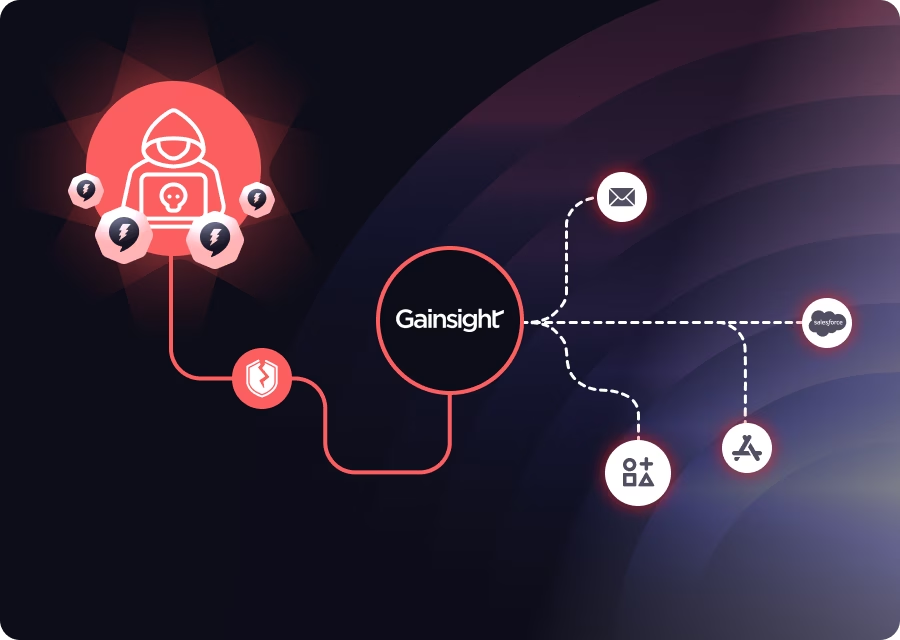
In the last few days, Salesforce customers using the Gainsight connected app have been caught in a supply-chain style incident. The key point up front: this is not a Salesforce platform vulnerability. It’s an abuse of trusted third-party OAuth access granted to Gainsight’s AppExchange apps. Salesforce detected unusual activity tied to Gainsight-published applications, revoked related tokens, and notified affected customers.
Below is a clear breakdown of what happened, why refresh tokens are the real risk, and what security teams should do immediately.
Gainsight + Salesforce: Why This Integration Matters
Gainsight, a leading Customer Success Platform (CSP) used by post-sales teams, plays a central role in helping organizations retain customers, measure account health, reduce churn, drive product adoption, and manage renewals. One of its most common integrations is with Salesforce, enabled via the Salesforce AppExchange, where Gainsight both pulls customer data and pushes insights like health scores and usage metrics—critical for cross-team alignment.
How a Previous Campaign Led to the Incident
Back in September, Gainsight disclosed that it had been affected by the broader “Salesloft Drift” hacking campaign.
That campaign primarily focused on credential mining, as detailed in our previous blog.
A spokesperson for the threat group later stated that the “Salesloft Drift” foothold is what enabled them to compromise Gainsight and obtain their internal credentials, ultimately leading to the much larger breach now making headlines.
What the Attackers Stole—and Why It’s Sensitive
Using the stolen credentials, the attackers accessed OAuth refresh tokens used by Gainsight deployments to authenticate into customer Salesforce environments.
A quick refresher:
- An OAuth access token is short-lived and used for immediate API access.
- A refresh token lasts much longer (often up to 90 days) and can generate new access tokens.
- Because of that, refresh tokens are extremely sensitive—stealing one is often as powerful as stealing a long-term password.
More on OAuth fundamentals here.
Armed with these refresh tokens, the attackers were able to pull Salesforce data directly, just as Gainsight normally would, and appear to be focusing on extracting additional credentials and sensitive records from victim organizations.
The First Signs: Gainsight and Salesforce Status Alerts
Starting November 20, Gainsight began reporting issues affecting its Salesforce integration.
Google shared that more than 200 Salesforce instances may have been impacted by the compromised tokens.
Salesforce later confirmed they have “revoked all active access and refresh tokens” and “notified known affected customers directly.”
Salesforce also released Indicators of Compromise (IoCs), including IP addresses and user-agent strings associated with the threat actor.
What You Should Do Now
1. Limit refresh-token usage where possible
Developers should avoid requesting refresh tokens unless absolutely required for functionality. Customers should review vendor permissions to ensure refresh tokens aren’t unnecessarily granted.
2. Maintain a real-time inventory of third-party vendor access
Track which vendors have access to which systems. This enables fast revocation or rotation of access keys, tokens, and permissions when an incident occurs.
3. Review your Salesforce logs for IoCs
Cross-check your environment against the IPs and user agents published by Salesforce.
4. Rotate authentication credentials and integrations
If your organization uses Gainsight with Salesforce, rotate keys, tokens, and integration credentials immediately even if you haven’t yet received an official notification.
Reauthorize Gainsight Safely (If Still Needed)
Revoking tokens is necessary, but how you re-authorize determines your long-term exposure.
Use a dedicated, least-privileged integration user
If you still need the integration:
- create one integration user,
- grant only the permissions tied to the Gainsight features you actually use (avoid full admin when possible),
- ensure that no human users are acting as integration identities.
This collapses hundreds of distributed refresh tokens into a single, controlled grant.
Set the Connected App to “Admin approved users are pre-authorized”
This setting ensures only explicitly approved users can authorize the app. It prevents “token sprawl” created when many employees click Allow over time — which leads to stale refresh tokens tied to former staff or over-privileged users.
Audit integration users regularly
Confirm:
- no integration users are inactive/frozen/expired,
- no admins are used for integrations unless unavoidable,
- no unused OAuth grants are left behind.
The Bigger Lesson: OAuth Access Is Your Attack Surface
This incident is another reminder that third-party OAuth access isn’t a “vendor problem”, it’s part of your identity perimeter.
Attackers are increasingly avoiding hardened SaaS platforms and instead targeting:
- connected apps,
- refresh tokens,
- non-human identities quietly wiring SaaS together.
The defensive model needs to match that reality: continuous inventory, least-privilege, short-lived tokens whenever possible, and fast revocation muscle memory.
If you want help validating your Salesforce connected apps or mapping your vendor OAuth blast radius, happy to chat.


